Deposits and withdrawals

How to move money in and out of Stake:

  • Discover how to deposit via bank transfer, Apple Pay, Google Pay and debit/credit card
  • An outline of funding fees and charges

Deposit methods

Stake currently supports three secure funding methods: bank transfer, Apple Pay/Google Pay and Credit/Debit card. Here’s how they work:

Bank transfer

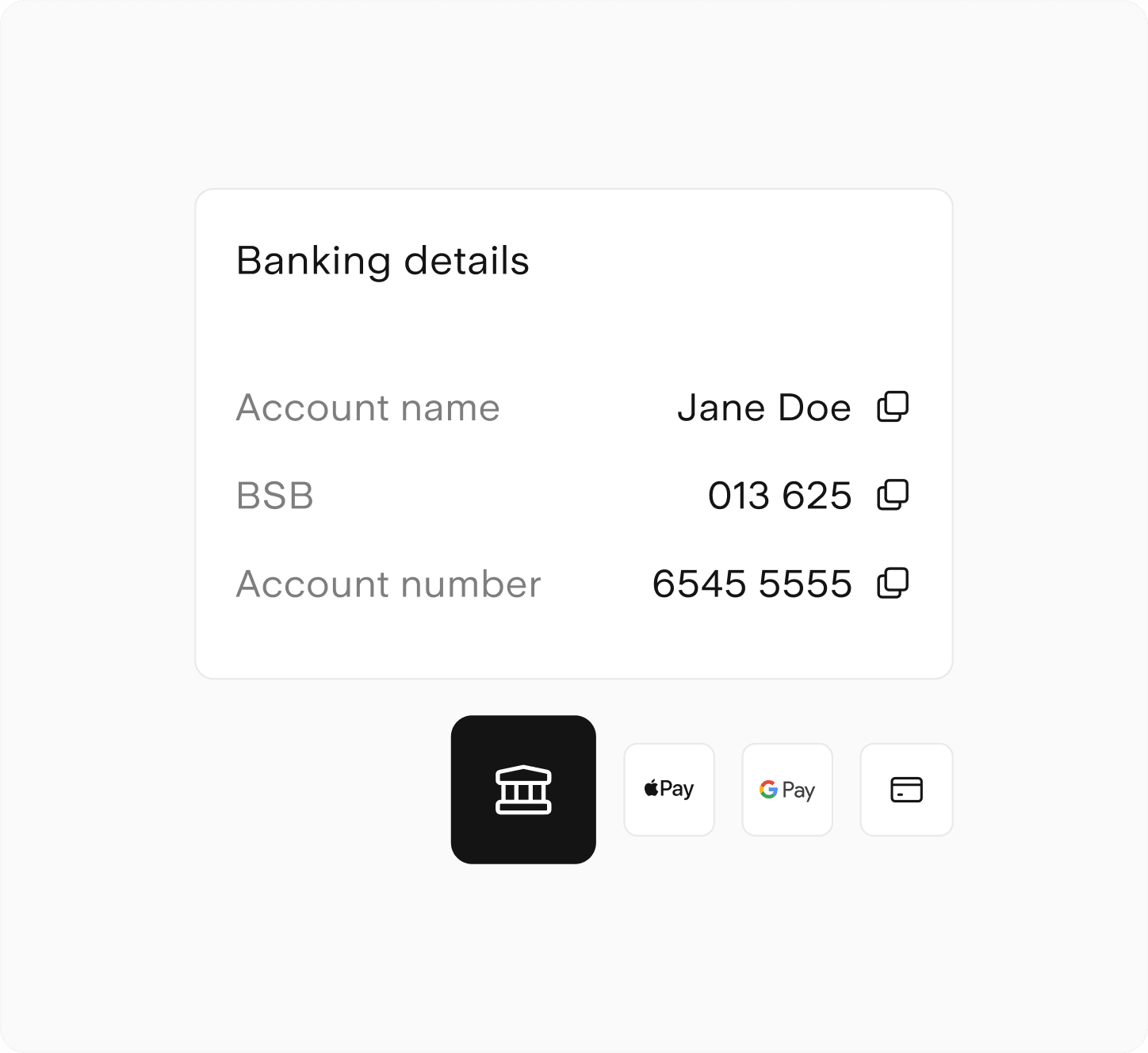
You can deposit funds directly from your bank account using your unique Stake BSB and account number. 

  1. Head to your dashboard (AUS or Wall St) and hit the ‘Add’ button next to your buying power
  2. Enter the desired deposit amount and Next
  3. Select Bank transfer as the method and Next 
  4. Use the details to send a direct deposit from your online bank
  5. Once submitted, simply hit I’ve made a transfer to confirm

When funding your account via bank transfer, ‘Airwallex Pty Ltd’ may be flagged as an account name mismatch due to Confirmation of Payee (CoP) requirements.

Airwallex is our trusted payments provider, so you can be sure that your funds will arrive safely and securely.

You can learn more about Airwallex and our other partners here.
Apple Pay/Google Pay

Using a Google Pay or Apple Pay compatible device? 

  1. Head to your dashboard (AUS or Wall St) and hit the ‘Add’ button next to your buying power
  2. Enter the desired deposit amount and Next
  3. Select Apple Pay or Google Pay as the method and confirm
  4. Depending on your device, there may be an additional prompt from Google or Apple

Debit/Credit card

Use a credit or debit card and save it to your Stake account for future deposits.

  1. Head to your dashboard (AUS or Wall St) and hit the ‘Add’ button next to your buying power
  2. Enter the desired deposit amount and Next
  3. Select Debit/Credit card as the method and confirm
  4. Add your card details and tap Save card
  5. Now click Submit

How to withdraw

Follow these steps below to withdraw from your Stake balance:

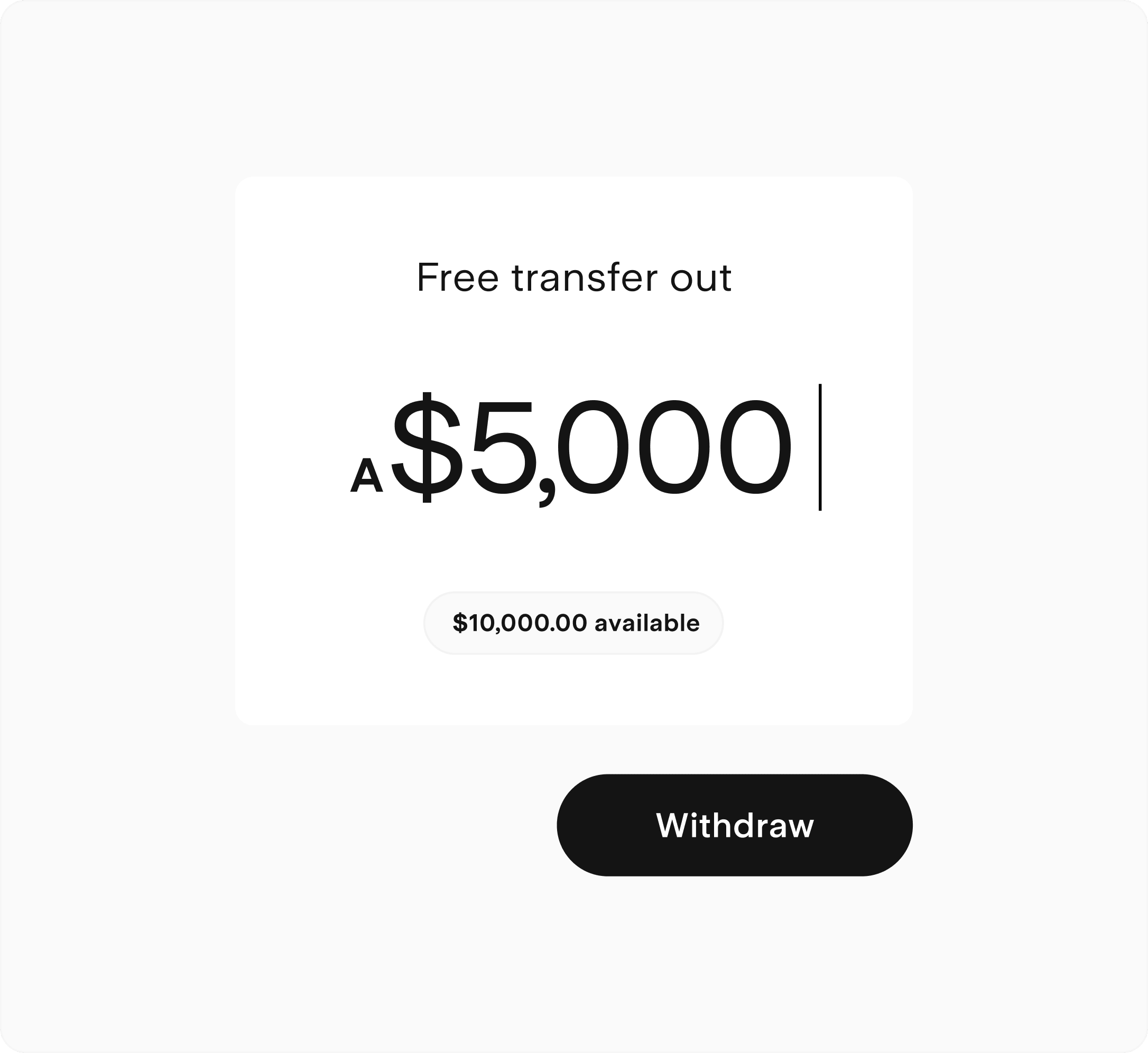
  1. On the Stake app, head to Manage > Balances > Withdraw – or if you’re on the web, select the Wallet icon > Withdraw > Choose either USD or AUD 
  2. Enter the withdrawal amount and select the receiving bank account 
  3. To add a new or different receiving account, select ‘Edit account’ and follow the prompts (please note, the name on the receiving account must match the name of the Stake account owner) 
  4. You’ll receive an estimated summary of your withdrawal request 
  5. Verify the withdrawal with a PIN sent to your mobile number or authenticator app
  6. Confirm your withdrawal request

Only settled cash can be withdrawn. Please note, withdrawal settlement times depend on the market you’re withdrawing from, your bank institution and the complexity of the withdrawal request.
Stake deposit and transfer fees

Both markets

Fee

Amount

Description

Card funding

Debit 0.5%
Credit 2.5%

Fee applicable for card funding and Apple Pay/Google Pay.

Stake Wall St only

Fee

Amount

Description

FX transfer fee

55bps

This is the fee charged on all fund transfers in and out of your Stake account between AUD and USD. There is no FX fee charged per trade.

Settlement timeframes vary depending on the deposit method and the market being funded.

Full pricing details.

Get 12 months of $0 CHESS-sponsored trades

Transfer an ASX portfolio worth A$1,000+ to Stake and get a year of $0 brokerage for Stake AUS trades up to A$30k. Transferring is simple, seamless and 100% digital.

Brokerage discount applies on up to 10 Stake AUS trades per month up to A$30k per trade. This does not constitute financial advice. Stake AUS Rewards T&Cs apply.

Claim now

World-leading partners

Payment Methods FAQs


Stake AUS

The time it takes for a bank transfer to reflect in your Stake AUS account depends on your bank's participation in the New Payments Platform (NPP). Funds from NPP banks will generally appear on Stake within an hour of a confirmed deposit. Learn more about the NPP here.

Considerations:

  • Some banks place a one-business-day hold on first-time deposits
  • Compliance checks in accordance with Anti-Money Laundering (AML) legislation may also cause delays

Stake Wall St

Funds will be credited to a Wall St account on a T+1 basis (one U.S. business day) after confirmation of an initiated deposit or wallet-to-wallet transfer.


The minimum deposit amount is A$50.


There is a A$1 minimum withdrawal amount from your Stake AUS account. On Stake Wall St, there's a minimum withdrawal of US$10.


Stake AUS

Successful withdrawals from your Stake AUS account to your external Australian bank account will typically settle within 1-2 business days.

Stake Wall St

Successful withdrawals from your Stake Wall St account to an Australian bank account will typically settle within 2-3 U.S. business days. Please note, we don’t currently support direct USD withdrawals.


Stake does not charge fees to withdraw funds to your local bank account.

FX and speed fees can apply when withdrawing from your Stake Wall St account or transferring funds between accounts. Please check out our pricing PDF for a detailed breakdown of our fees.


When funding your account via bank transfer, ‘Airwallex Pty Ltd’ may be flagged as an account name mismatch. This is due to the rollout of Confirmation of Payee (CoP) requirements by Australian banks to combat the rising tide of online scams. 

Airwallex is our trusted payments provider, facilitating secure deposits, withdrawals and wallet functionality on Stake, so you can be sure that your funds will arrive safely.


Ready to discover the next big thing?

Join 500k+ ambitious people building wealth on Stake

Open an account

Stake logo
Over 12,000 5-star reviews
App Store logoGoogle Play logo

Subscribe to our free newsletters

By subscribing, you agree to our Privacy Policy.

Stakeshop Pty Ltd, trading as Stake, ACN 610 105 505, is an authorised representative (Authorised Representative No. 1241398) of Stakeshop AFSL Pty Ltd (Australian Financial Services Licence no. 548196). Stake SMSF Pty Ltd ACN 648 283 532 (‘Stake Super’) is not licensed to provide financial product advice under the Corporations Act. This specifically applies to any financial products which are established if you instruct Stake Super to set up a self managed super fund (‘SMSF’). When you sign up to Stake Super, you are contracting with Stake SMSF Pty Ltd who will assist in the establishment of a SMSF under a ‘no advice model’. You will also be referred to Stakeshop Pty Ltd to enable your trading account and bank account to be set up in order to use the Stake Website and/or App. For more information about SMSFs, see our SMSF Risks page. The Stake Accumulate Fund (ARSN 680 653 374) is issued by K2 Asset Management Ltd (ABN 95 085 445 094 AFSL 244 393), a wholly owned subsidiary of K2 Asset Management Holdings Ltd (ABN 59 124 636 782). The information on our website or our mobile application is not intended to be an inducement, offer or solicitation to anyone in any jurisdiction in which Stake is not regulated or able to market its services. At Stake and Stake Super, we’re focused on giving you a better investing experience but we don’t take into account your personal objectives, circumstances or financial needs. Any advice given by Stake is of a general nature only. As investments carry risk, before making any investment decision, please consider if it’s right for you and seek appropriate taxation and legal advice. Please view our Financial Services GuideTerms & ConditionsPrivacy Policy and Disclaimers before deciding to invest on or use Stake or Stake Super. By using our website or service in any way, you agree to our Privacy Policy and Terms & Conditions. All financial products involve risk and you should ensure you understand the risks involved as certain financial products may not be suitable to everyone. Past performance of any product described on this website is not a reliable indication of future performance. Stake and Stake Super are registered trademarks in Australia.

Copyright © 2025 Stake. All rights reserved.